The Road to 500+

Share

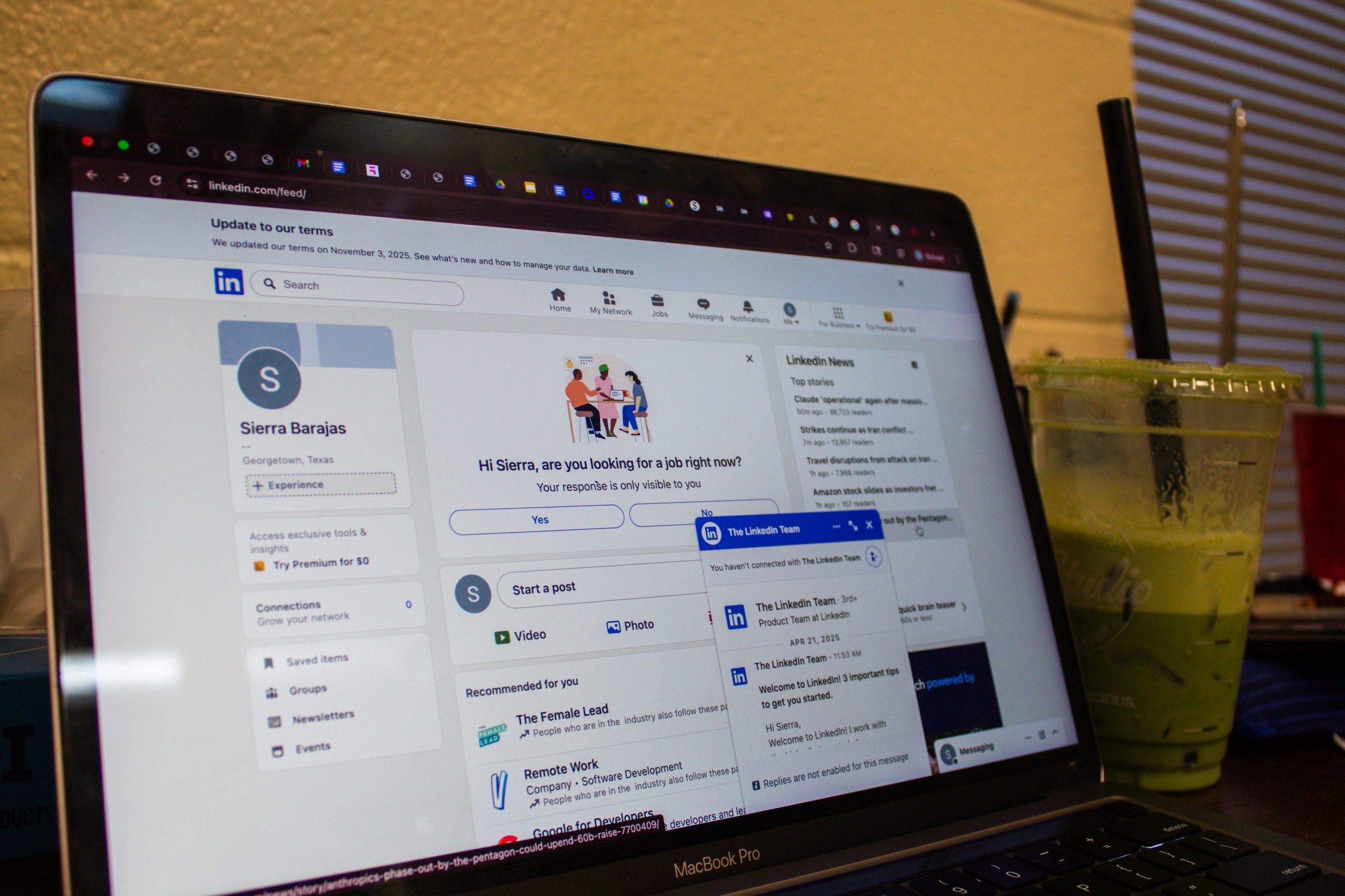
A pivotal moment in every career-oriented student’s life starts when their LinkedIn profile is first created. The art of LinkedIn is comparable to the art of Instagram, however both require different degrees of finesse. While Instagram is meant to share your personal experiences and moments of joy, LinkedIn serves to showcase your professional experience and frame you as a studious high-achiever. In this article, I will guide you to crafting the perfect LinkedIn profile and share how you can capitalize on it to grow your network.
To begin, it is crucial to familiarize yourself with the platform. Beyond your basic profile picture, name, headline, banner, and about section, there are 16 sections you should think about adding to your profile. Each section aims to emphasize your experience and credibility within your industry. More details to come later in the article!
Profile Picture
Your profile picture is arguably the most important aspect of your profile. This, along with your headline and name, serves to introduce you as a professional to LinkedIn’s audience. Your profile picture should be clear and concise. Customarily, it is a professional, high-quality headshot. If you don’t have one, I suggest checking out the CCPD’s free Friday photos. Alternatively, your senior photos or any well-lit close-up shot will work.
Headline
This is incredibly formulaic, and thus, easy. The standard layout is: role | company. As students, most of us are not formally employed in this manner. As such, a typical student headline layout should look like this: Major | Major/minor | Student @ Southwestern University | Intern role or pre-career. In essence, this headline is meant to display what you do, and what you want to do. It appears directly under your profile picture and name, and encapsulates you career-wise. If a company in Georgetown decides it needs interns, they might search up “business student” on LinkedIn. Lucky you, you’ll show up when your headline promotes you.
Experience
This is by far the most important section. As students, we may not have as much experience in our desired fields as we would like, and that is why it is key to tailor our experience as much as possible. I’d recommend adding any work studies, internships, jobs, or prominent organization positions, and adding crucial details. Did you make posters for Model UN? Or did you facilitate and implement successful marketing strategies, resulting in a 20% increase in attendance? A vital element of your experience is metrics. Include percentages, numbers, increases, and decreases. Share anything that empirically shows your success.
Education
The most basic of sections. Give your major, graduation year, activities and societies, and any descriptive anecdotes that you’d like to share in the description. Obviously, include your time at Southwestern. Then, if beneficial, maybe add what you did in high school! Were you president of a club? Did you make Area for band? Did your soccer team make it to nationals? Go ahead and put that on there!
About
Your about section should mimic a generic cover letter and answer several questions. Who are you? What have you done? Have you learned anything specific? Why are you the right choice? Keep it short and generally readable. Mine states my majors, long-term goals, experience in reaching those goals, and long-term plan. For example, if the goal is to start your own business, your LinkedIn bio should reflect that. “I am a junior business major at Southwestern University. In the future, I hope to run my own start-up coffee shop. In the past, I gained experience in this by running operations for ___ coffee shop, learning valuable skills in this area.” Of course, be more detailed, but you should clearly delineate what you are doing to reach your goal.
Banner
The LinkedIn banner is my least favorite aspect of the social media platform. It is meant to be “professional” in some capacity. I am guilty of violating said cardinal LinkedIn rule of professionalism with my banner, but I harbor no regrets. Your LinkedIn banner should reflect you in some career-typical way. It is customary to use the skyline of your hometown, maybe a picture of Southwestern, or some sort of monogrammed nameplate type thing. I use a collage I made with Canva and Pinterest, but if the goal is success rather than aesthetics, one should do as I say and not as I do.
Skills
This one’s kinda weird. It’s very clunky and not super appealing to look at, but it’s helpful. When employers are stalking your LinkedIn, they are looking for specific skill sets. Did you apply for a marketing gig? Hopefully, your skills section includes social media, Adobe Suite, Google Workspace, Microsoft 360, and mailing software. It is crucial to familiarize yourself with the standards of your industry, and at least pretend you’re well-versed in them. These and the following sections are more or less optional.
Featured
Do you want your resume on your LinkedIn? Do you have a portfolio or a website you want emphasized? Maybe you’re a filmmaker, and you want to showcase your newest piece. This is where specific ventures should be placed. You have the option of adding a post, article, link, or media. The featured section appears directly under your about section, giving an almost “this is important” vibe to anything you put there. These are the things you want people to see first.
Licenses & Certifications
CPR certified? Do you have a certificate in Google Data Analytics? Are you certified in JavaScript? This is where that goes.
Courses
I’ve personally never seen anyone with this section on their LinkedIn. In my opinion, relevant courses are reserved for cover letters and interviews. Having this on your LinkedIn would certainly be going above and beyond. It is, however, important to know which courses are salient to your career. For example, if you are applying to an internship at a law firm, talk about your experience taking business law or American politics.
Recommendations
Again, this is not very commonly used. I maintain that recommendations should be held privately, and recommenders or references should be turned to during application processes.
Volunteer experience
This is essentially an extension of the experience section with a more nominal feel. Be sure to include metrics and details of your volunteer experience. Putting your time at the food bank in the volunteer section instead of the experience section works to make yourself look a bit more magnanimous and polished.
Publications
If you’re impressive and a published author, you’re gonna want to share that. Did you get a poem about your mission trip published in the Journal of Medical Humanities? Share that! Maybe even feature it! There’s no pressure here, but you want to market yourself to the best of your ability.
Honors & Awards
Another way to seem impressive. Are you a scholarship recipient? Were you recognized nationally? Did a club name you MVP? Those are all things you can share if you so please.
Test Scores
In my opinion, test scores are saved solely for applications. However, if you’d like to brag about your 520 MCAT score, go ahead! Just think about how you will be perceived. This applies for all sections of this article, and all walks of life.
Languages
Self-explanatory. If you speak more than one language, I highly recommend displaying that. Foreign languages are becoming higher in demand.
Organizations
This is another weird one. For school clubs, I’d include those in the education section. For volunteering or non-profit work, I’d put that in the volunteering or experience section. However, if you are involved with something that does not fall under those categories, I’d place them here. Examples include club volleyball, or your city’s symphony.
Causes
Another esoteric section. I don’t frequently see causes displayed on one’s LinkedIn. Typically, causes you’re passionate about come through in your experience or about section. You are given the option to select from the following: Animal Welfare, Arts and Culture, Children, Civil Rights and Social Action, Disaster and Humanitarian Relief, Economic Empowerment, Education, Environment, Health, Human Rights, Politics, Poverty Alleviation, Science and Technology, Social Services, Veteran Support. These are displayed at the very bottom of your profile.
Projects, patents, services, & career breaks
These sections are dedicated to specific business enterprises more established individuals have conducted. If you’d like to share any impact you’ve made, you can do so with the projects section. If you’re an innovator and have an approved or pending patent, you can share that in the patents section. If you yourself are a business or are trying to start one, you can display what you do, where you do it, and how much it costs in the services section. I don’t recommend adding a career break, but if you’d like to, you’re free to do so in that section.
Networking on LinkedIn
“LinkedIn” and “Networking” are some of this generation’s daunting buzzwords. So how does one combine the two to the benefit of their career? After crafting your breathtaking profile, start adding people. Add people that you know, people in your major, people from Southwestern, and connections from past work experience or internships. Next, you might do a little stalking. Go to the Alumni section of Southwestern’s LinkedIn page. Look for anybody in the field you’re planning to break into, and add them. If you’d like to foster a deeper connection, message them! Find something that you have in common and talk about that. Or maybe, just ask them for advice.
Once you put your name out there, you’re so much more likely to be remembered when the need for an intern arises. If you’re currently in the process of applying somewhere, stalk the company! Find an employee that has something in common with you and message them. When I’ve done this in the past, it’s yielded great results. I usually follow a basic template. “Hey, ___! I saw that you ___. I did too! I felt ___ about it- how about you? Anyways, I just applied for ___ role, and was wondering if you had any advice on how to get an interview or maximize next steps? I look forward to hearing from you!” It is important to get your name out there as much as possible to draw attention to your competence for any role. Networking is real and it is important. Lucky for us, we can do it digitally. Hopefully, this turns out to be a helpful guide and a top-notch resource for your networking journey!